
The Driver’s License settings allow you to enable ID scanning and age verification within the Table Tap Go (TTG) system. This feature helps locations comply with alcohol service regulations by verifying customer age before card issuance or payment.
Accessing Driver’s License Settings
-
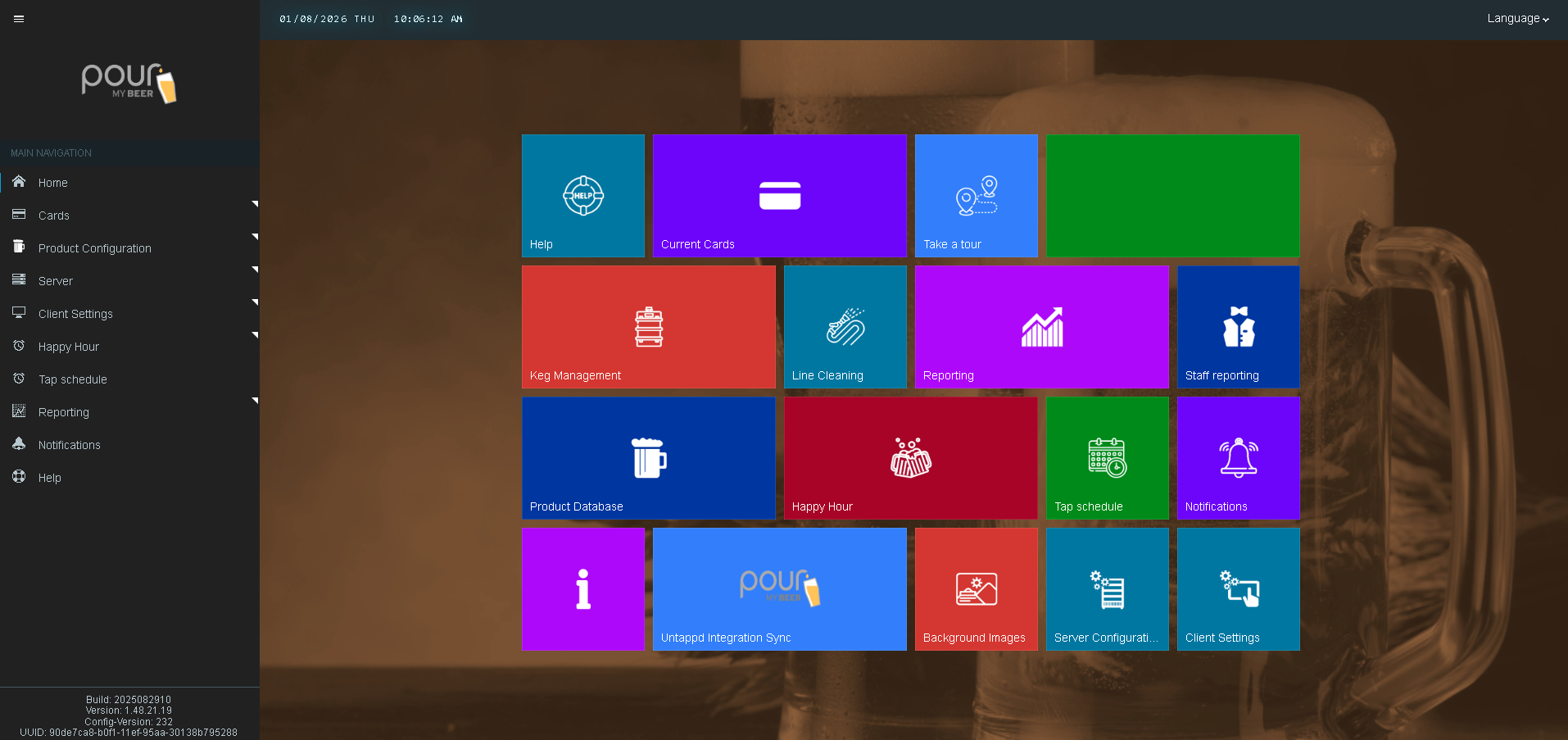
Open the Table Tap Go Server Management Page
-
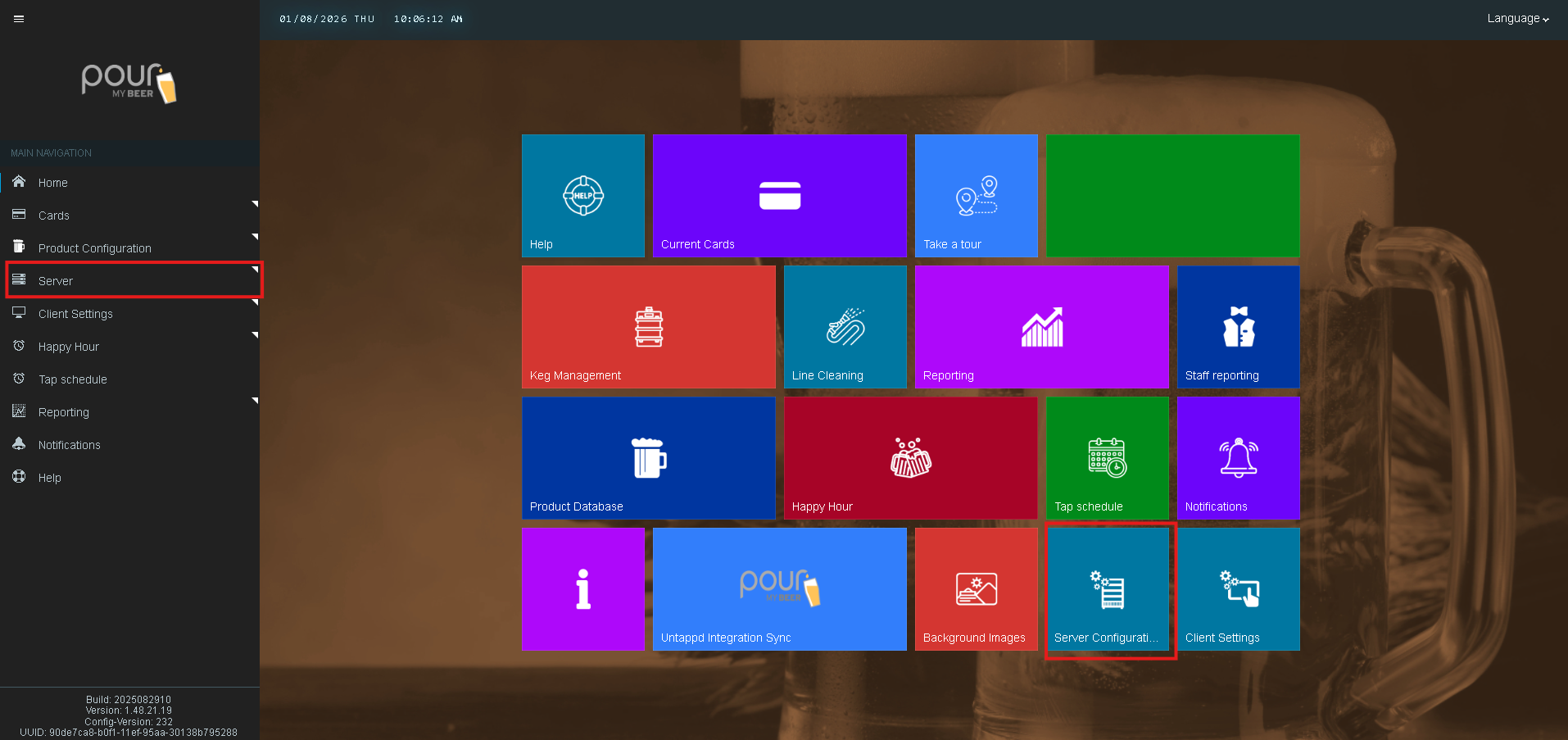
Navigate to Server Configuration
-
Select Driving License
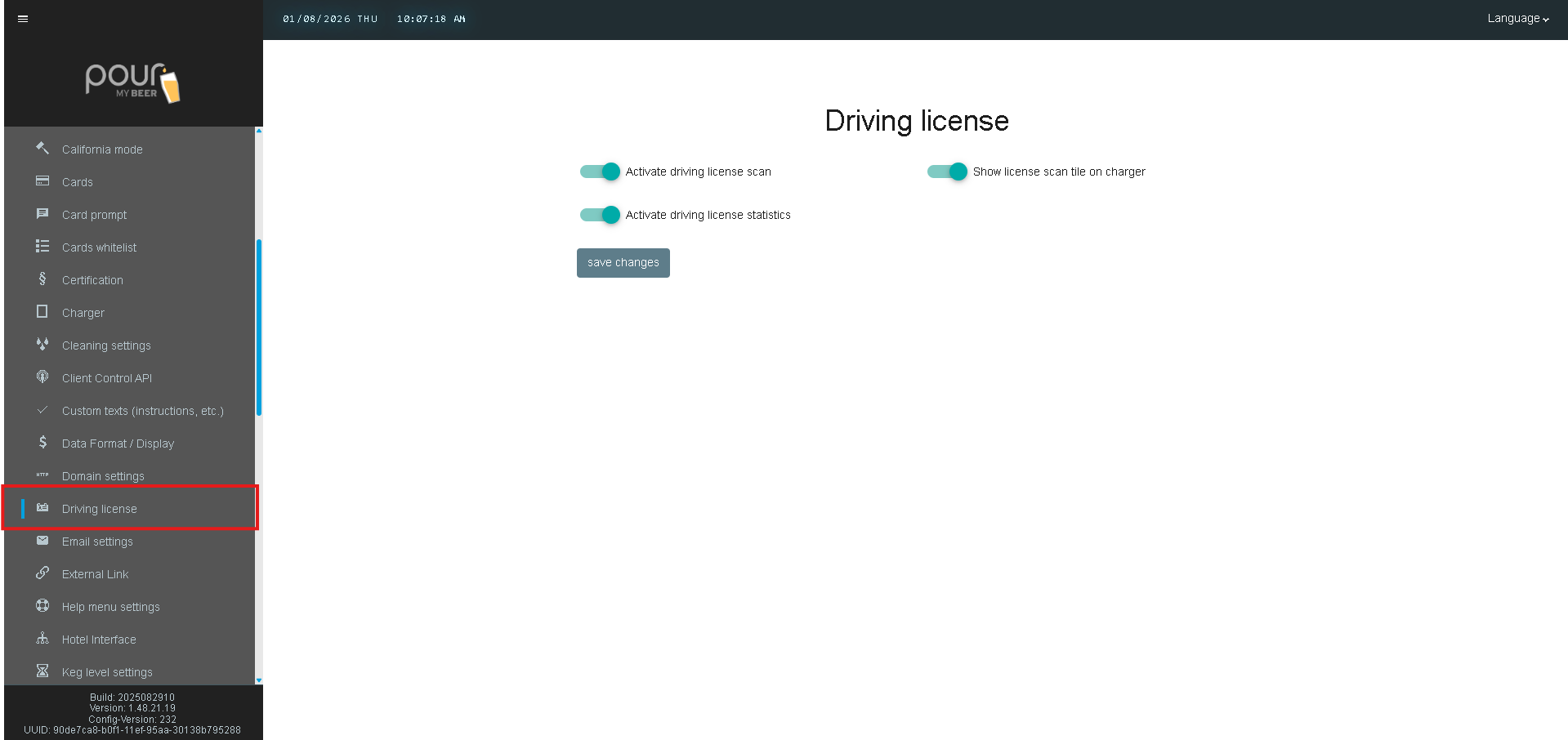
Driver’s License Settings Explained
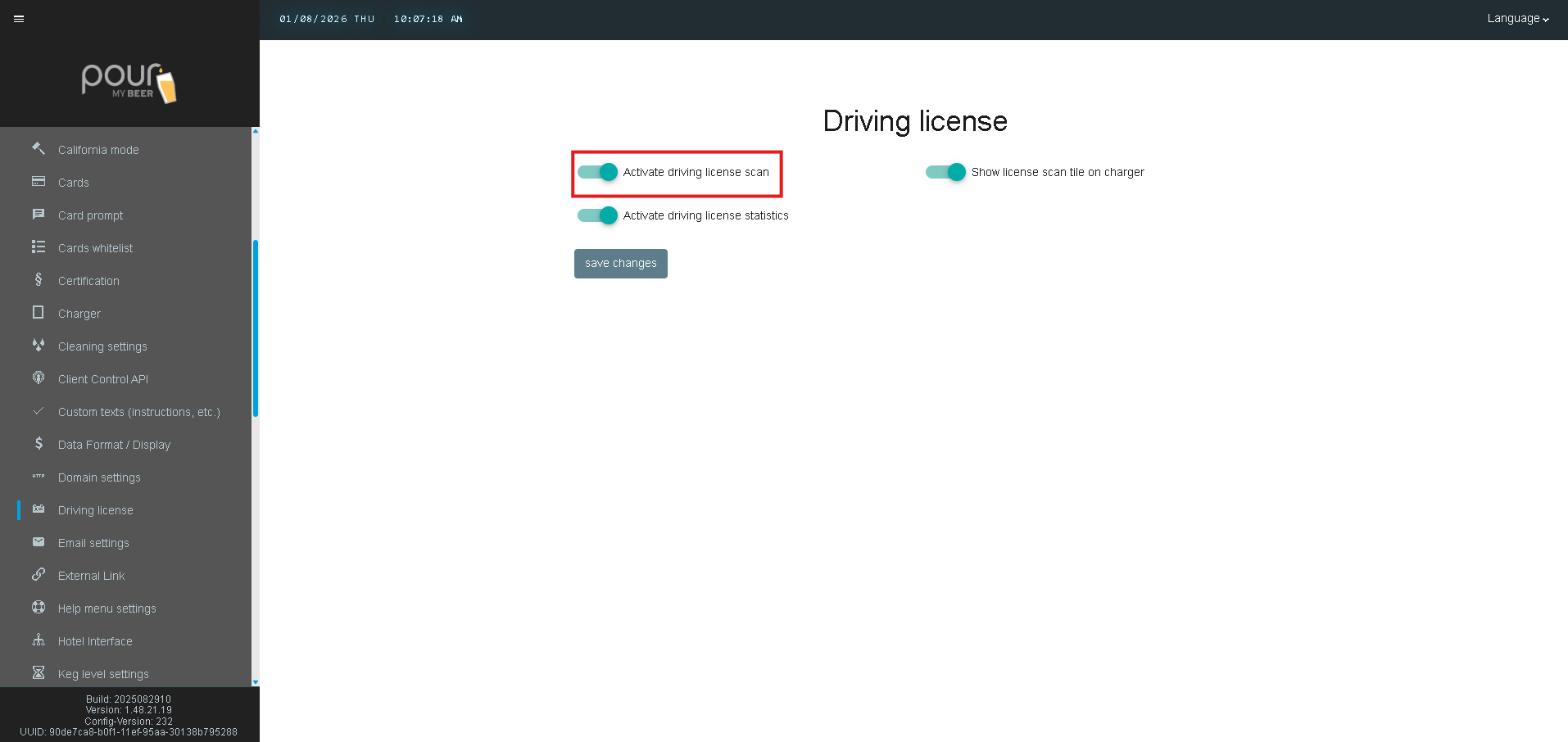
Activate Driving License Scan
When enabled, the system allows driver’s licenses to be scanned during customer interactions.
-
Used for age verification
-
Commonly required for alcohol-serving venues
-
Typically enabled at chargers or check-in stations
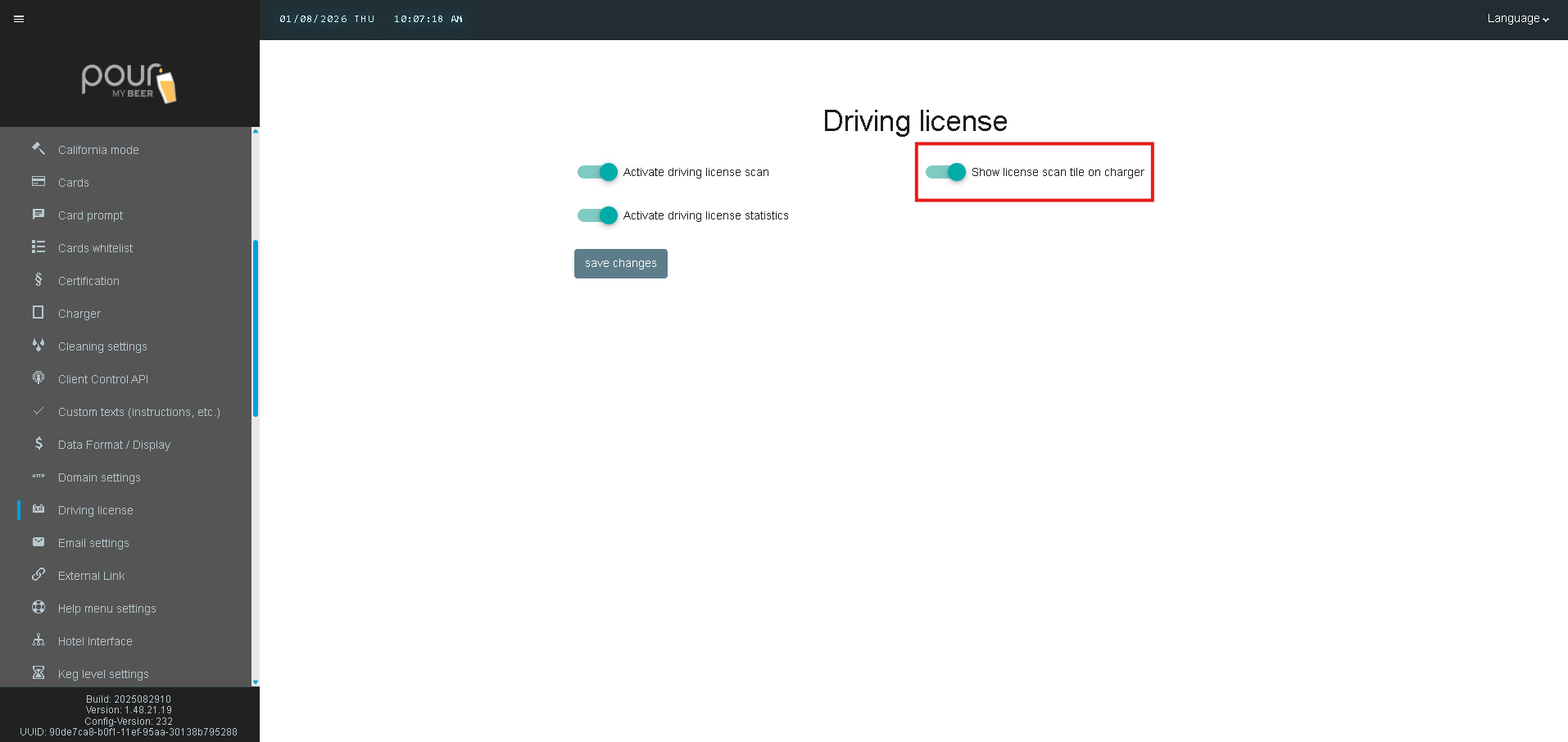
Show License Scan Tile on Charger
Displays a Driver’s License Scan option on the charger screen.
-
Makes ID scanning easily accessible for staff or guests
-
Recommended when using self-service or staff-operated chargers
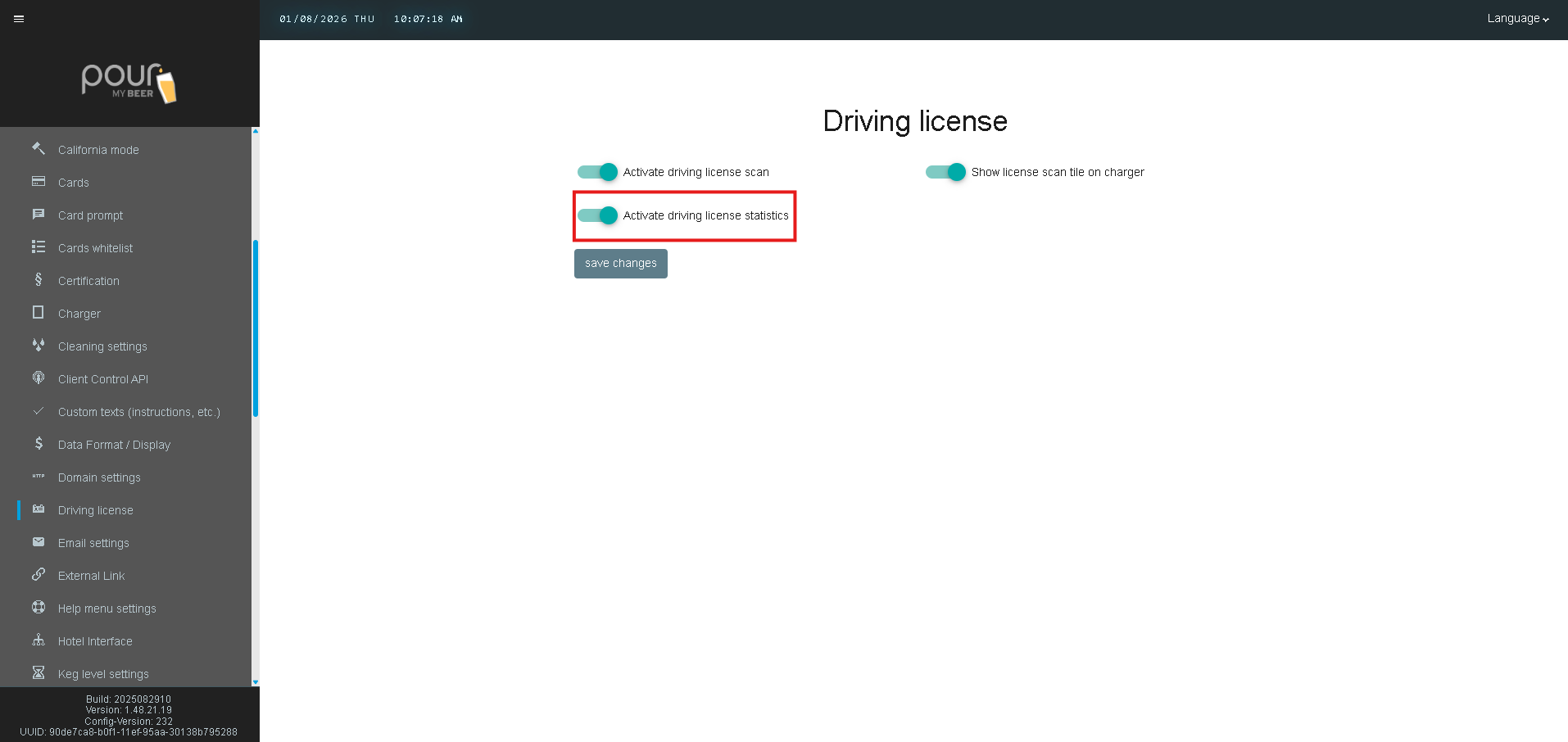
Activate Driving License Statistics
When enabled, the system collects anonymous usage statistics related to license scans.
-
Helps track how often license verification is used
-
Supports compliance reporting and operational insights
No personal customer data is exposed in public reporting.
Saving and Applying Changes
After configuring license scanning:
-
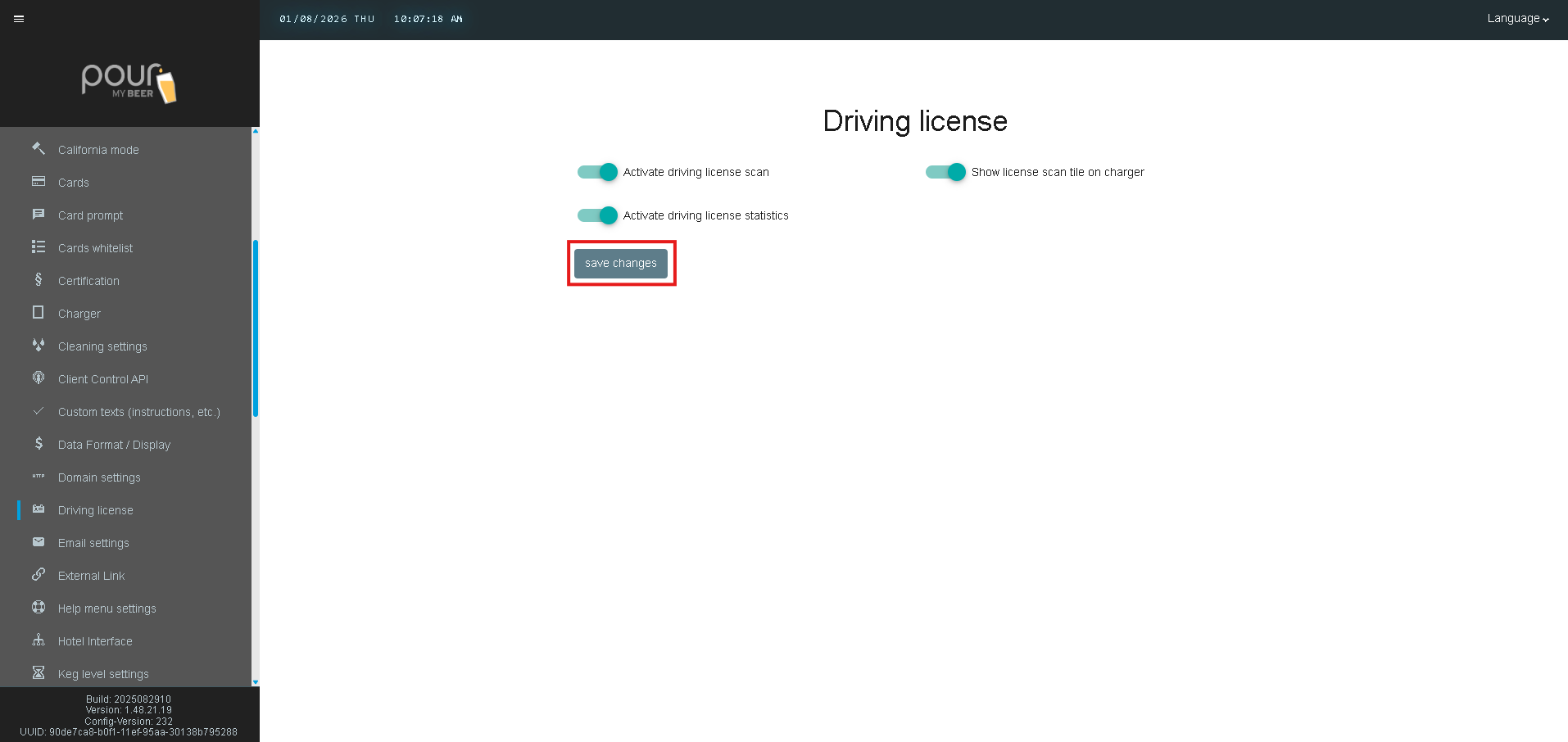
Click Save Changes
-
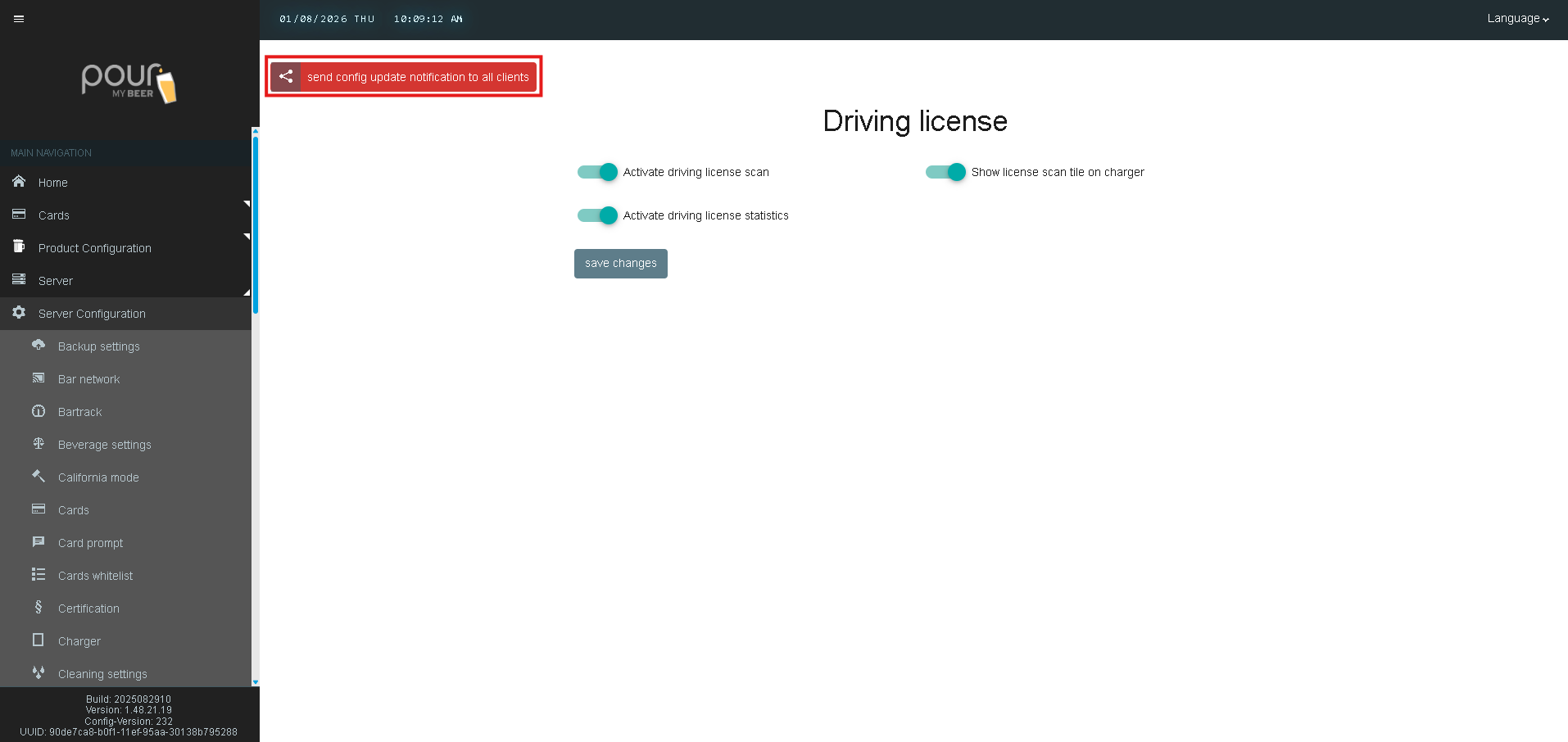
Send a Config Update Notification to apply the settings to all chargers and clients
Important Notes
-
License scanning requires compatible hardware
-
Local laws may require age verification before alcohol purchase
-
This feature is often used alongside:
-
Self-Service Charger Settings
-
California Mode
-
Certification settings
-