
The Client Control API allows external systems and administrators to securely communicate with and control Table Tap Go client devices.
This interface is commonly used for remote device management, status monitoring, and integration with third-party systems.
What Is the Client Control API?
The Client Control API provides an HTTP/HTTPS-based interface that enables:
-
Remote control of TTG client devices
-
Status and health monitoring
-
Administrative actions such as power control and configuration updates
-
Integration with external systems or automation tools
This feature must be enabled before API-based communication is available.
Accessing Client Control API Settings
-
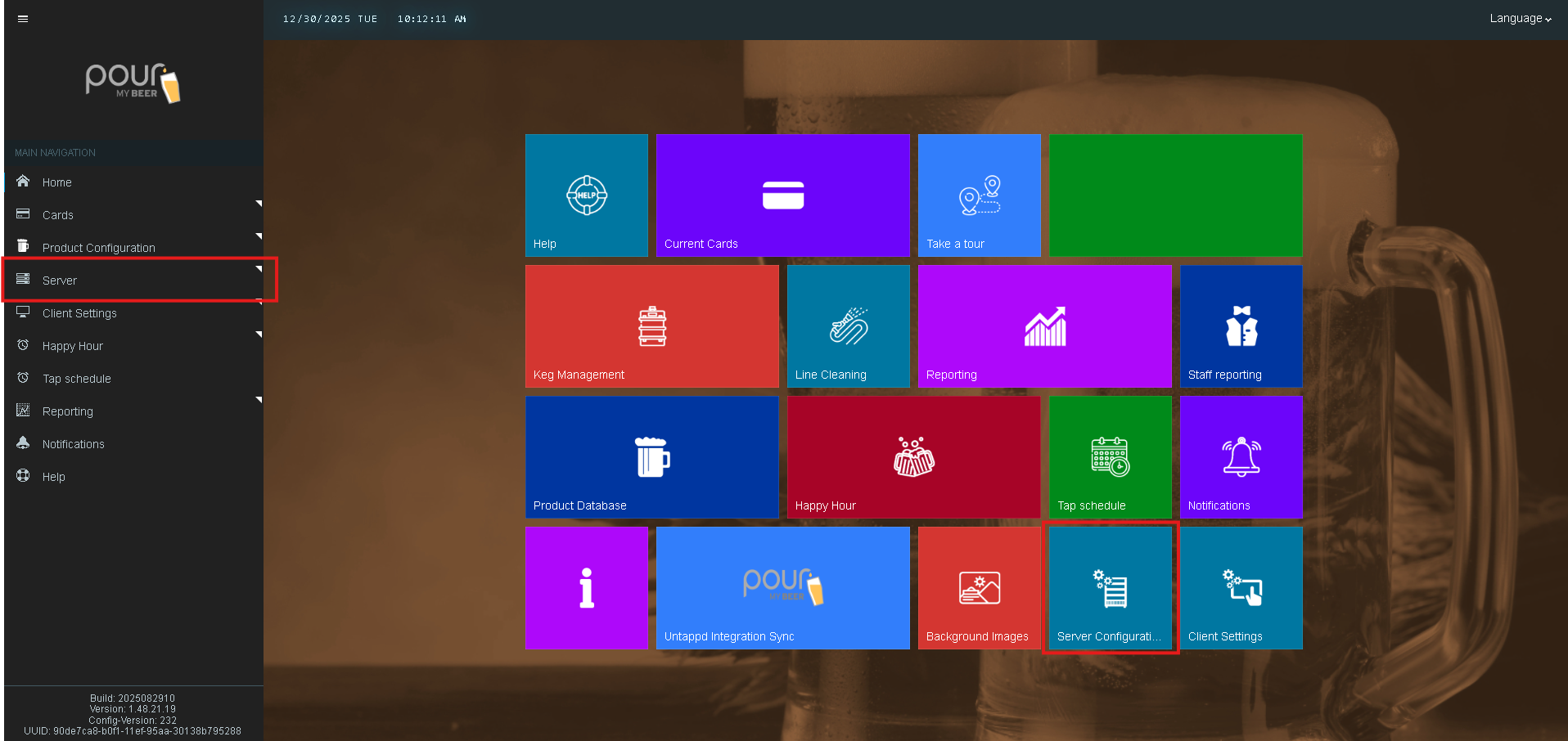
Open the Table Tap Go Server Management Page

-
Navigate to Server Configuration
-
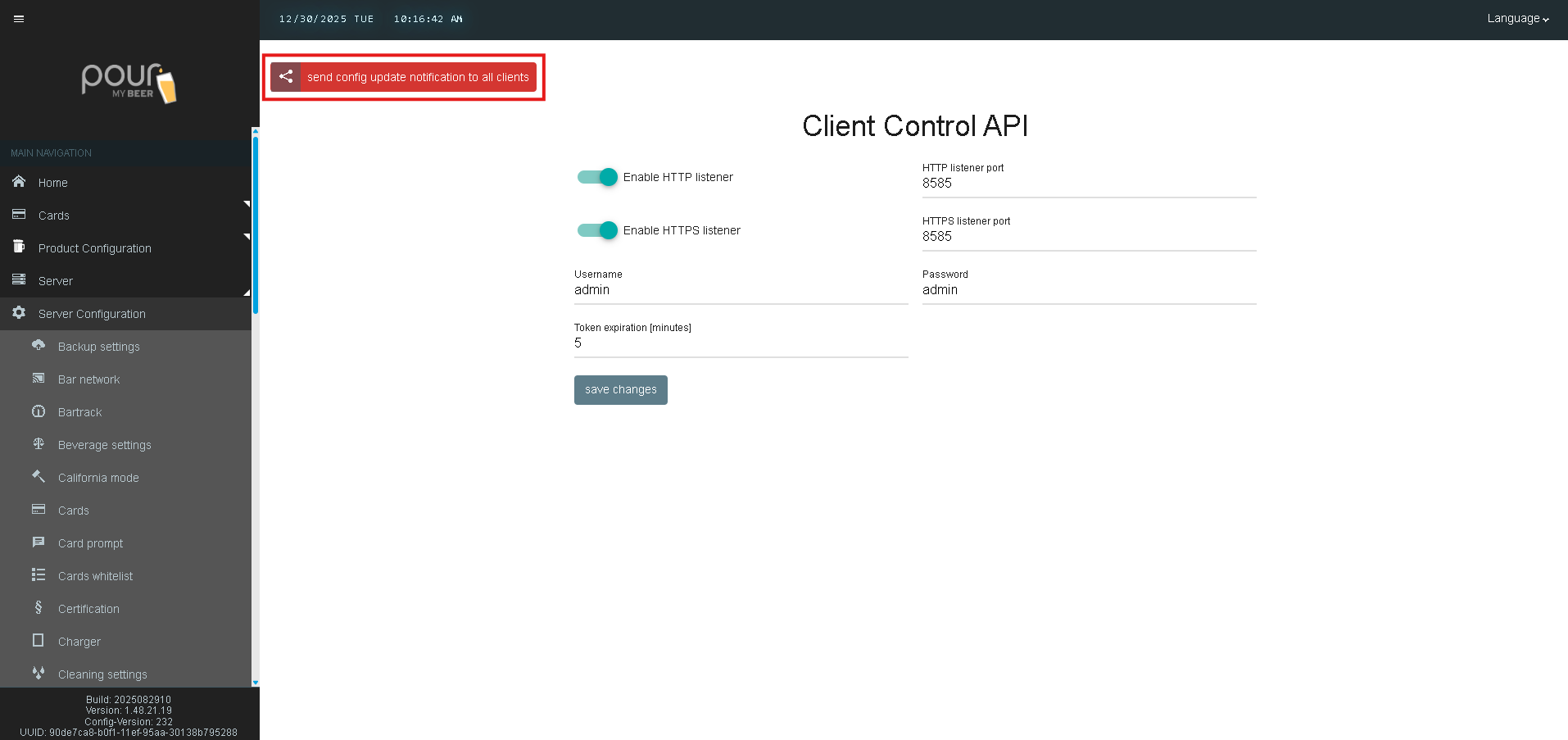
Select Client Control API
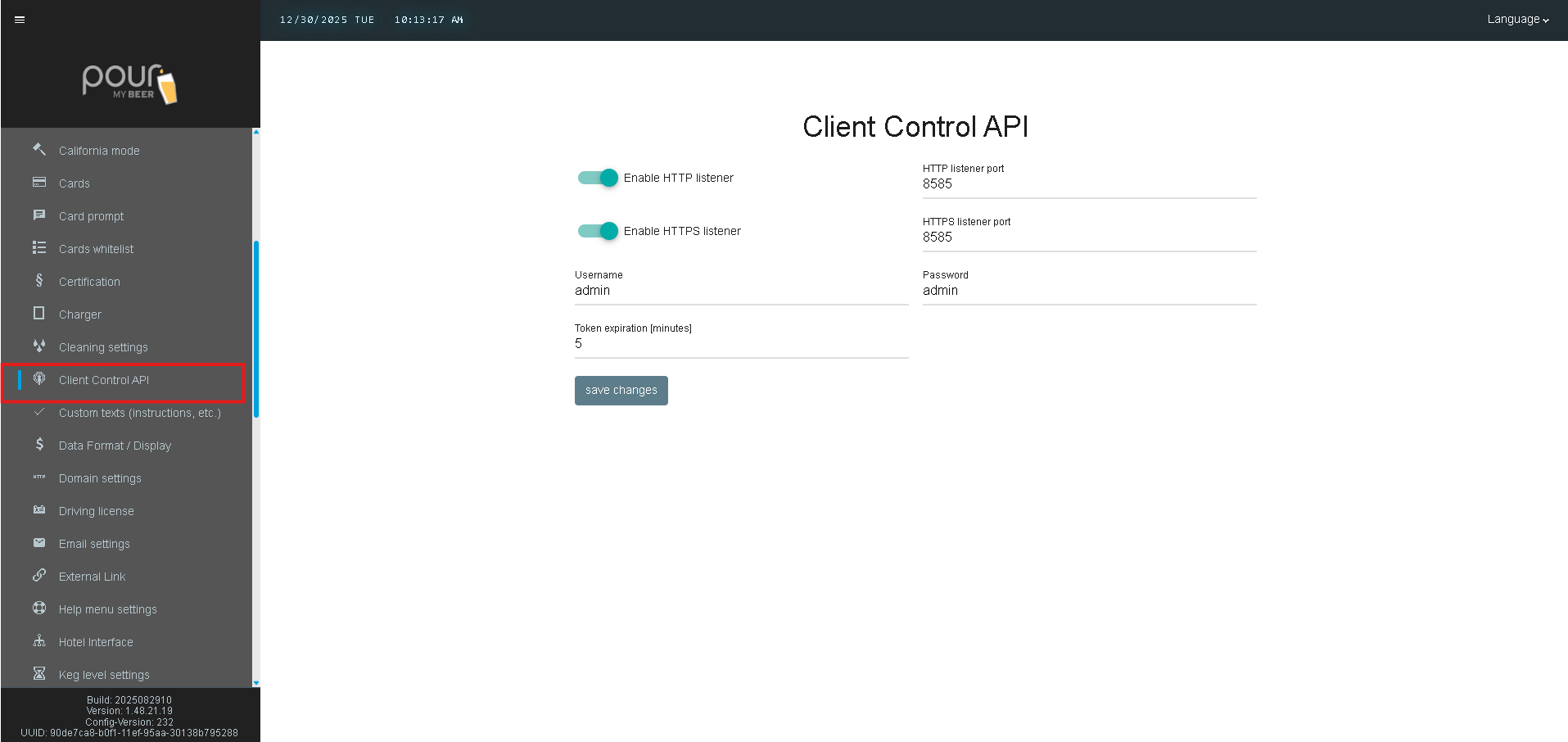
Client Control API Settings Explained
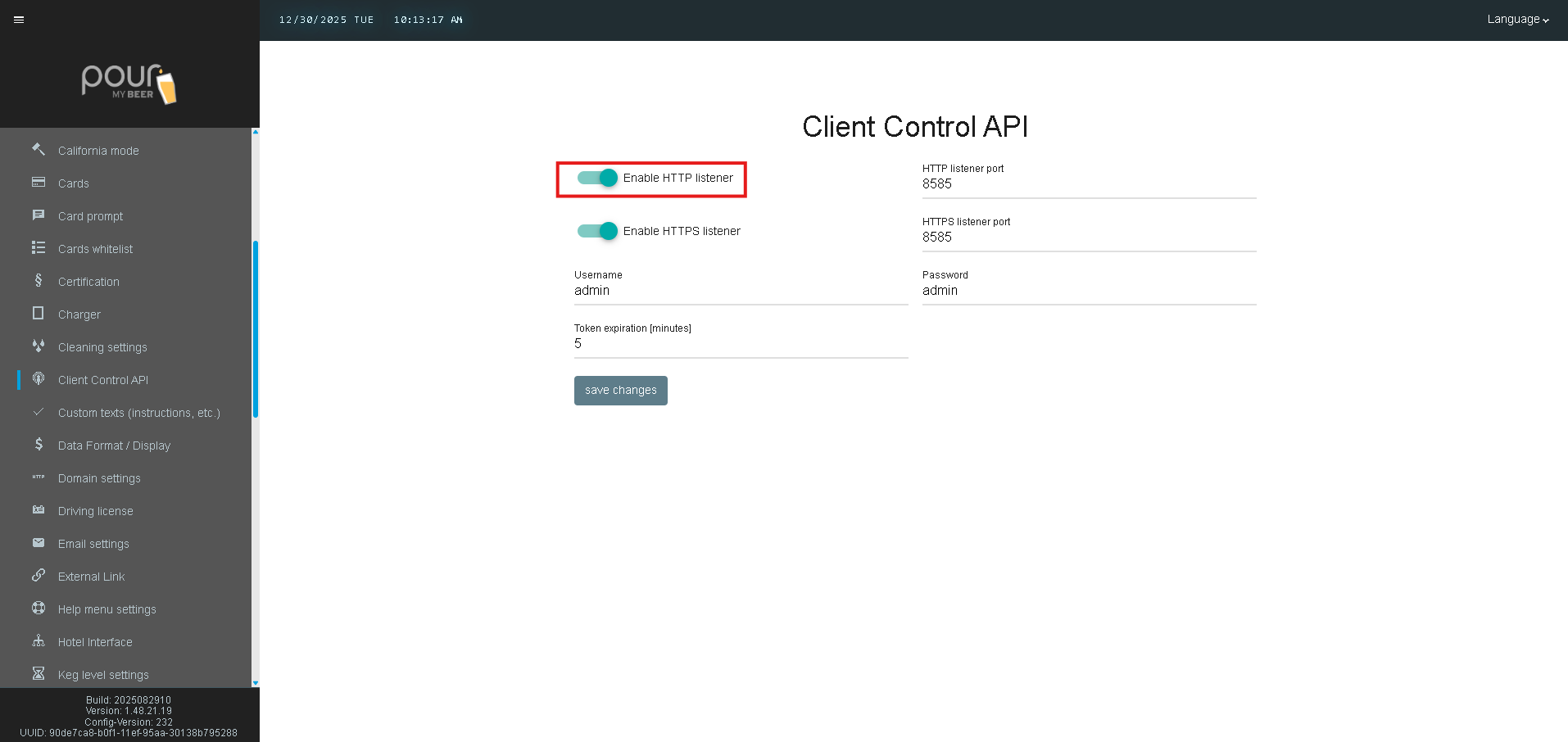
Enable HTTP Listener
When enabled, the TTG server listens for HTTP-based API requests.
-
Used for internal or secured local network integrations
-
Should only be enabled on trusted networks
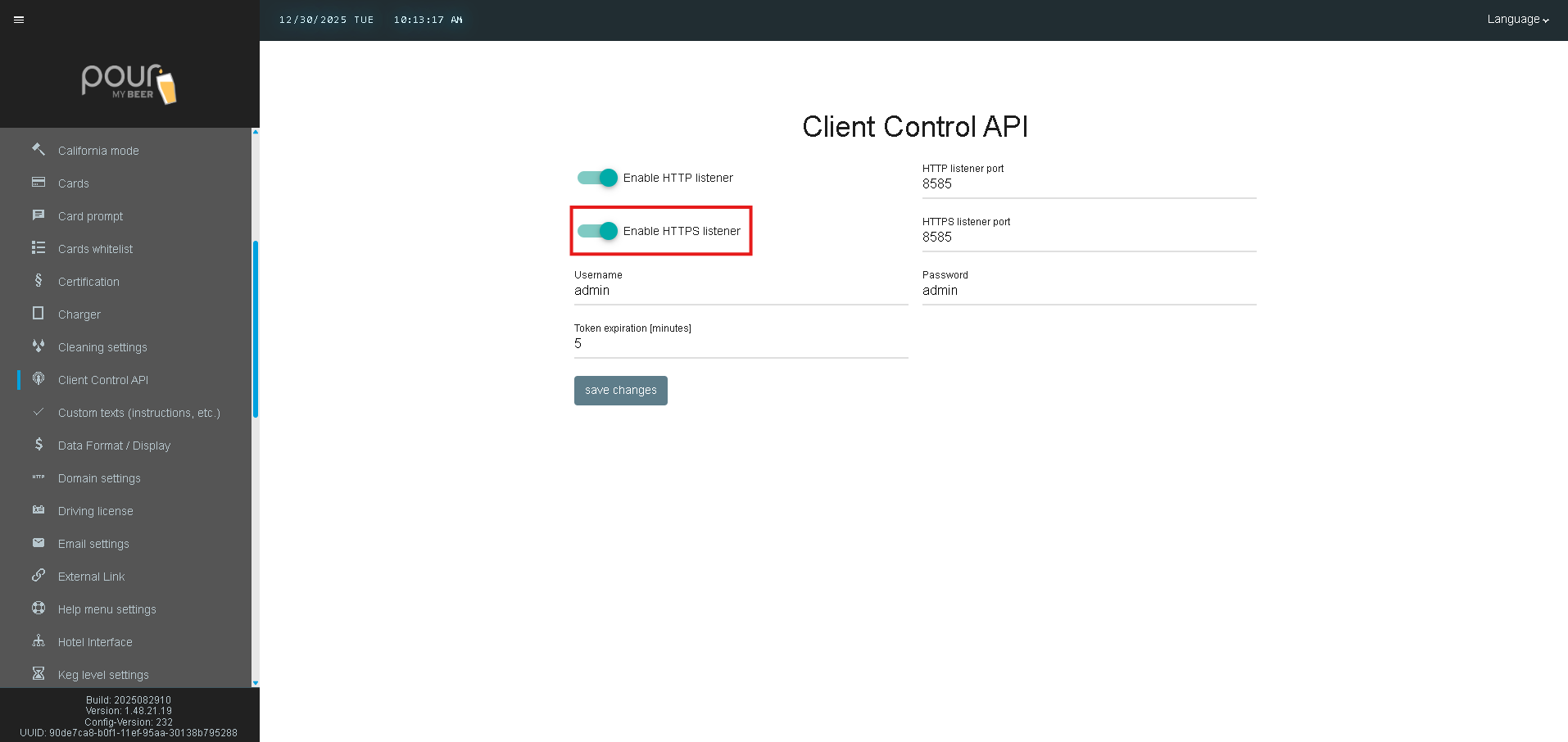
Enable HTTPS Listener
When enabled, the TTG server listens for encrypted HTTPS API requests.
-
Recommended for enhanced security
-
Ideal for environments with external integrations
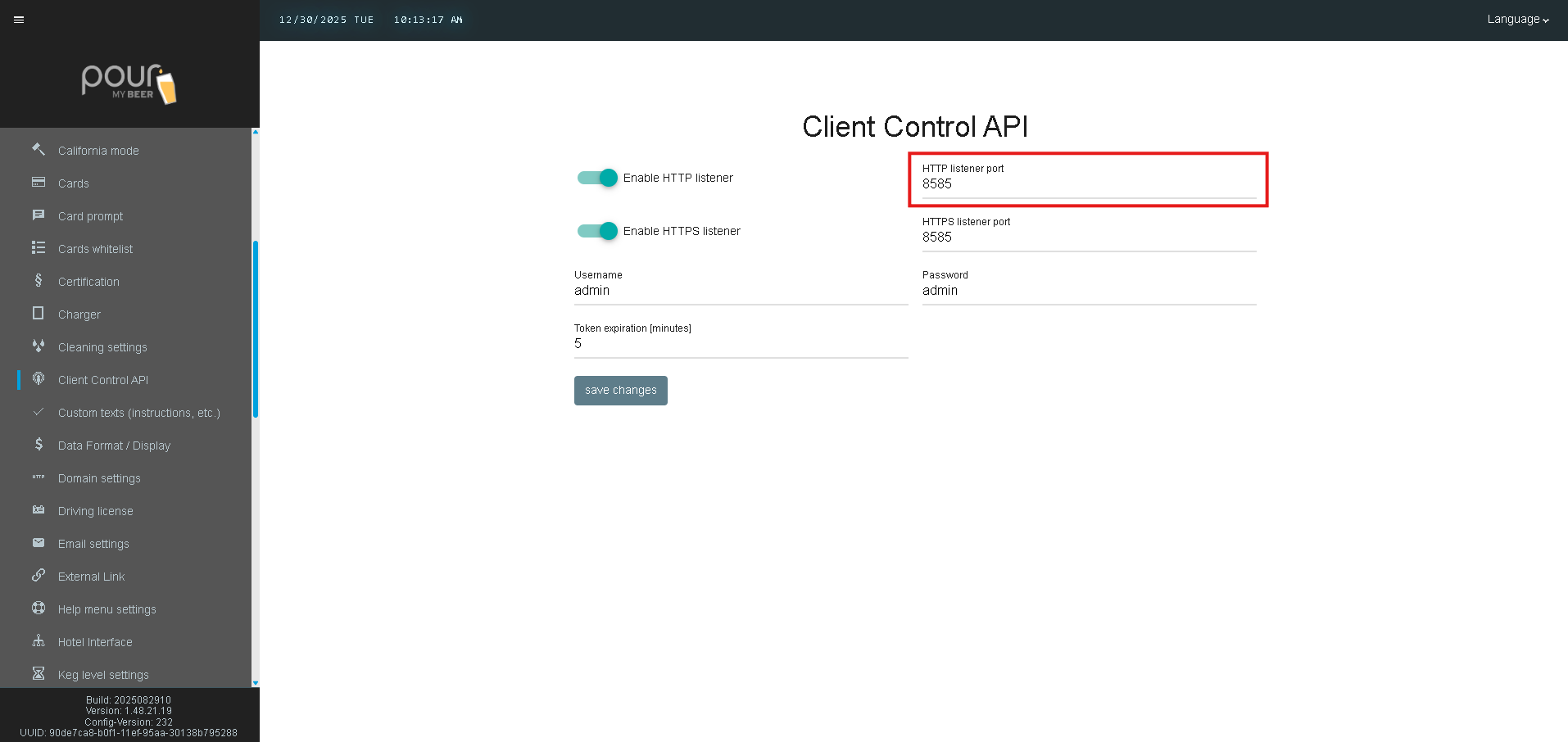
HTTP Listener Port
Defines the port used for HTTP API communication.
-
Default example: 8585
-
Ensure this port is not already in use by another service
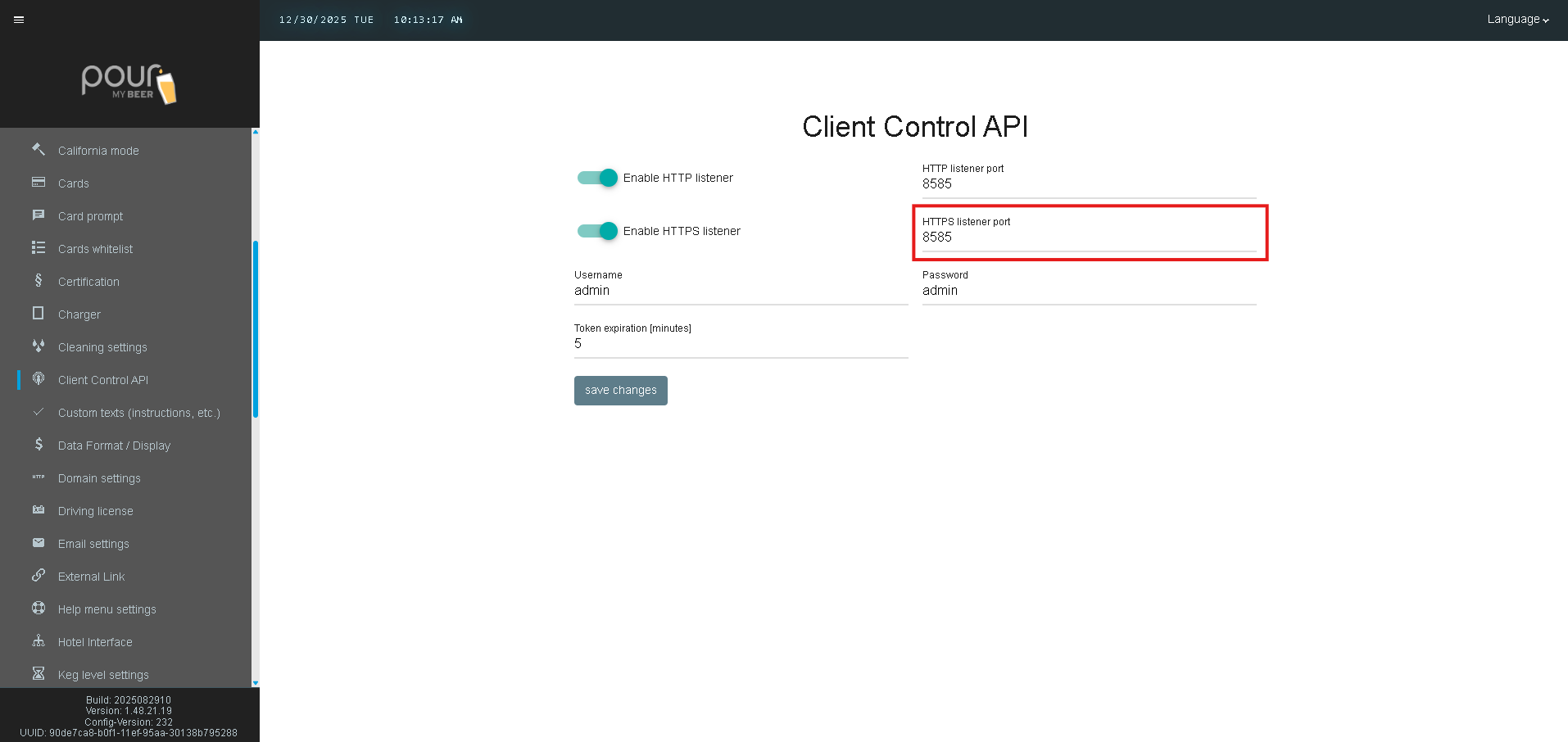
HTTPS Listener Port
Defines the port used for HTTPS API communication.
-
Default example: 8585 (may differ by configuration)
-
Must be accessible through firewalls if used externally
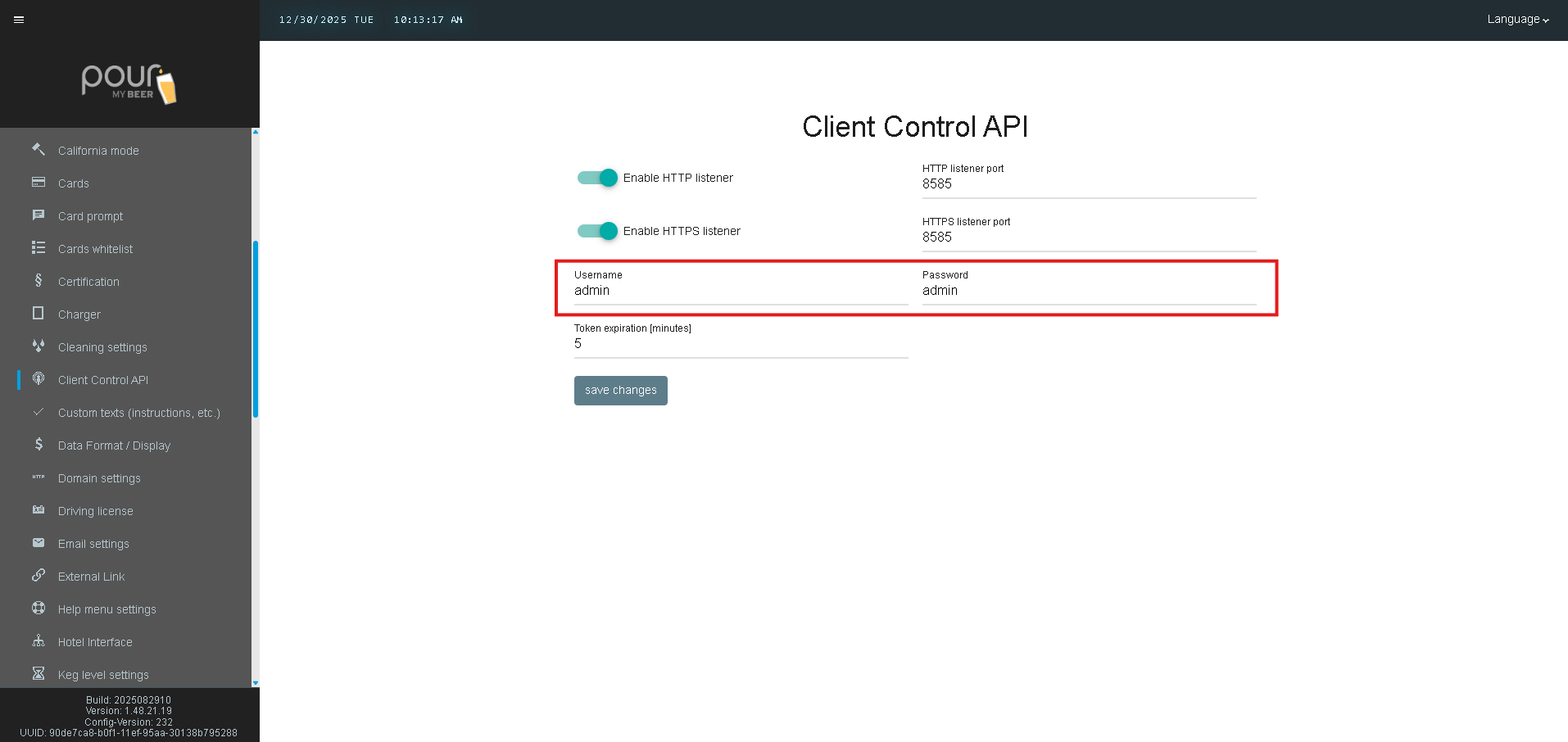
Username & Password
Credentials required to authenticate API requests.
-
Default credentials are typically admin / admin
-
For security reasons, it is recommended to update these values
Token Expiration (Minutes)
Defines how long an API authentication token remains valid.
-
Default value: 5 minutes
-
Shorter durations increase security
-
Longer durations reduce the need for frequent re-authentication

Saving and Applying Changes
After configuring the Client Control API settings:
-
Click Save Changes
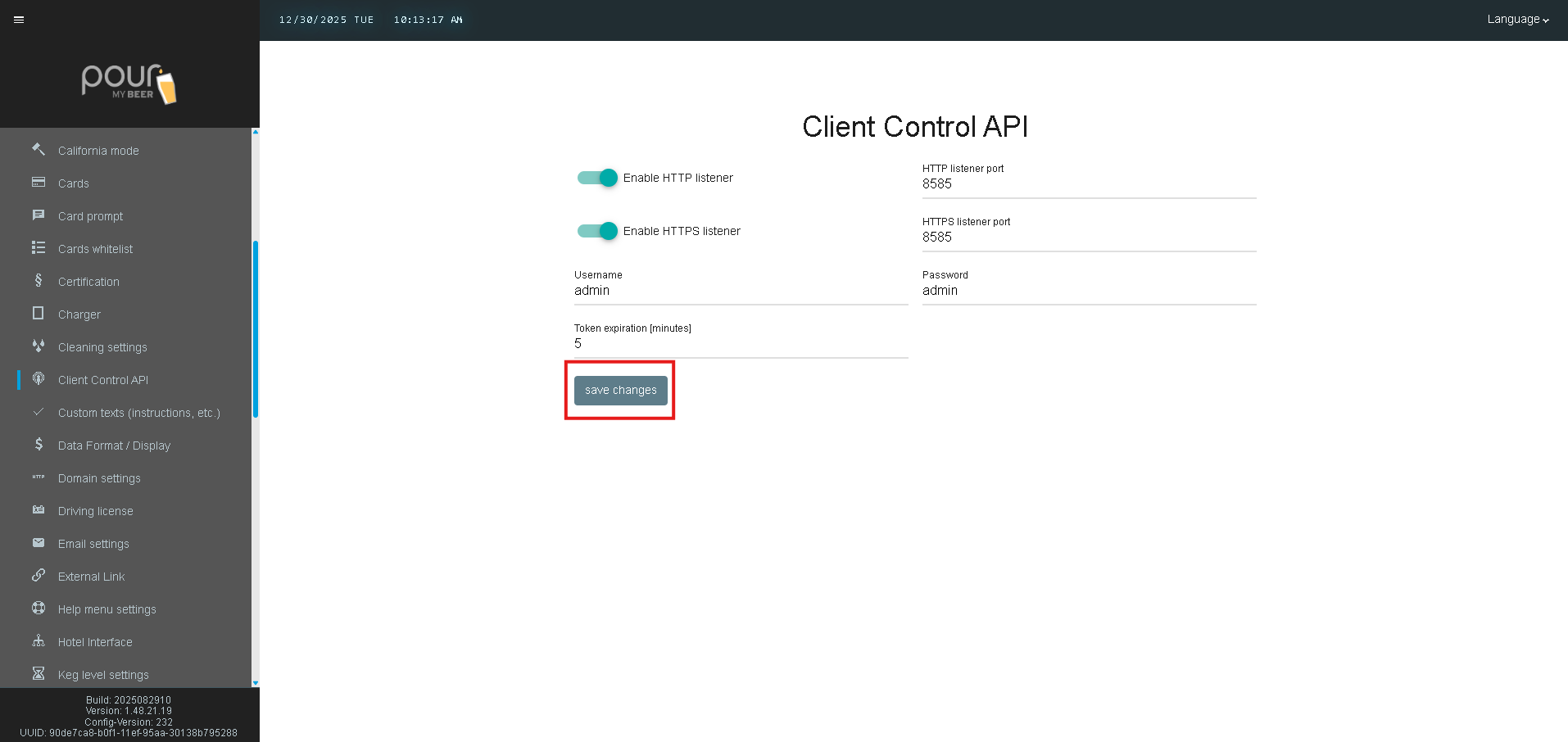
-
Ensure required ports are open on the server firewall
-
Send the Config Update Notification to All Clients
Important Notes
-
The Client Control API is required for features such as:
-
Remote power control of clients
-
Device status monitoring
-
Advanced third-party integrations
-
-
Only enable API listeners on secure networks
-
Incorrect port or credential configuration may prevent API access